
Reduce repetitive work
Assess document processing, reporting, and follow-up tasks for automation. Keep human approval where a decision or change needs review.
Governed and secured AI implementation
We map what agents can reach and do, then engineer safeguards around identity, data, connected tools, and human decisions. We test how the system behaves when instructions are malicious, access is denied, or a tool fails, and prepare your team to operate it.
Hands-on engineering for AI systems your team can operate.
Choose a step to see how we help and what you receive.
Map how work gets done, what information is used, which identities and tools are involved, and where untrusted inputs or sensitive actions enter.
Microsoft expertise. Broader AI capability.
Where AI can help
Identify repetitive tasks, hard-to-find information, and disconnected applications. Evaluate where AI fits before choosing a tool.
Assess document processing, reporting, and follow-up tasks for automation. Keep human approval where a decision or change needs review.

Build search and assistants around company knowledge. Respect source permissions so staff can access the information they are authorized to use.

Integrate AI with business systems through controlled interfaces. Define what it can read or change, and test how it handles failures.
Examples in practice
The useful first step is often a bounded assist: prepare a case for review or answer a question from sources the person can already access.

An agent can gather evidence and draft a case while payment authority remains with finance.

Confirm the source, its access rules, and what the assistant should do when evidence is missing.
Governed AI Engineering
Governance establishes the legitimate purpose, owner, and limits. Engineering makes those decisions real through identity, scoped access, constrained tools, human approvals, security testing, and ongoing review.
Explore AI architecture and implementationGive each agent a traceable identity and only the data, tools, and operations it needs for its approved task. Review delegated access and remove it when its purpose ends.
Treat documents, messages, and tool results as untrusted input. Test whether malicious instructions can expose information or redirect the agent beyond its intended task.
Restrict sensitive operations in the integration or application layer. Require a named person to review external, financial, destructive, or otherwise consequential actions.
Record important decisions and tool actions. Test denied access and failures, define who responds, and make a change or access removal procedure part of handover.
Core engagements
Review AI already in use, design and build an AI agent with safeguards, or fix access and control issues found in an assessment.
Choose an engagement to see the work and deliverables. Hover, tap, or use the arrow keys.
Build an agent with approved access and security boundaries.
Design and build an AI agent for an agreed task. Record its approved purpose, scope, accountable owner, and review conditions, then enforce and test identity, data, and tool boundaries.
Compare real system access and safeguards with intended use.
Review AI tools and agents against their actual permissions, connected data, threat exposure, owners, release practices, and activity records. Receive prioritized findings and a technical remediation plan.
Set and enforce an agent’s identity, access, and action limits.
Record each agent’s approved purpose, permitted and prohibited actions, accountable owner, identity, approval conditions, and review triggers. Enforce least-privilege access, test misuse and denial paths, and prepare a removal process.
Trace governance and safeguards from content to agent action.
Trace a defined workload through Copilot content permissions, Copilot Studio authentication, Entra agent identity, Purview evidence, and Power Platform environments. Review prompt-injection exposure, connector scope, and action controls, and record organizational authorization separately from product configuration.
Expose approved business actions through a controlled interface.
Connect AI to older applications through APIs that check identity and permissions, expose only approved operations, record activity, and handle failures safely.
Keep the application and release path maintainable.
Build and maintain Next.js applications, integrations, and release processes. Document deployment, routine operations, and recovery so the platform can be handed over clearly.
Turn findings into working controls.
Fix the access, identity, data boundary, activity-record, and ongoing management issues found in an assessment. Test the changes and document remaining risks.
Find your starting point
Three questions. A suggested engagement and a reason to start there.
Your selections stay in this page. No account, submission, or readiness score.
Explore all seven servicesChoose the closest fit. Your team may use more than one type of system.
Agent governance + security
Set the business purpose and owner, then enforce boundaries around identity, data, and tools. Test how the agent handles malicious instructions, denied actions, and changes in its access.
See the authorization path01Who approves and owns this agent?
02Which identity and permissions does it use?
03What content and tools can it reach?
04Which actions need a human decision?
05How are activity and access reviewed?
Microsoft AI specialization
Plan how staff will use Microsoft 365 Copilot and Copilot Studio agents. Trace content access, agent identity, connector permissions, and human approval points. Test the controls that apply to the workload.
Microsoft AI Governance & SecurityContent permissions + deployment readiness
Authentication + connector boundaries
Agent identity + scoped access
Data protection + audit evidence
Agent architecture + security controls
Environment + data policies
Integration + modernization
Connect AI to older applications through APIs, interfaces that let systems exchange information. Define access, approvals, and what happens if something fails before AI reads or changes business records.
Explore modernizationApplications, data, and business rules
Validated APIs and access decisions
Approved retrieval and actions
How we work
Map your workflow, data, access, threat exposure, and business needs.
Define purpose, identity, tool permissions, security boundaries, approvals, and owners.
Build the integration and enforce approved limits at the system boundary.
Test misuse and failure paths, record evidence, monitor the system, and maintain a response plan.
Engineering in practice
Selected platform engineering and technical operations on independent digital properties.
Next.js development, content infrastructure, hosting and domain administration, deployment, and ongoing technical operations.
Platform engineering, content infrastructure, deployment, maintenance, and automation.
Content and editorial rights remain with the respective property owners. These references describe technical work, not paid-client or endorsement claims.
Insights
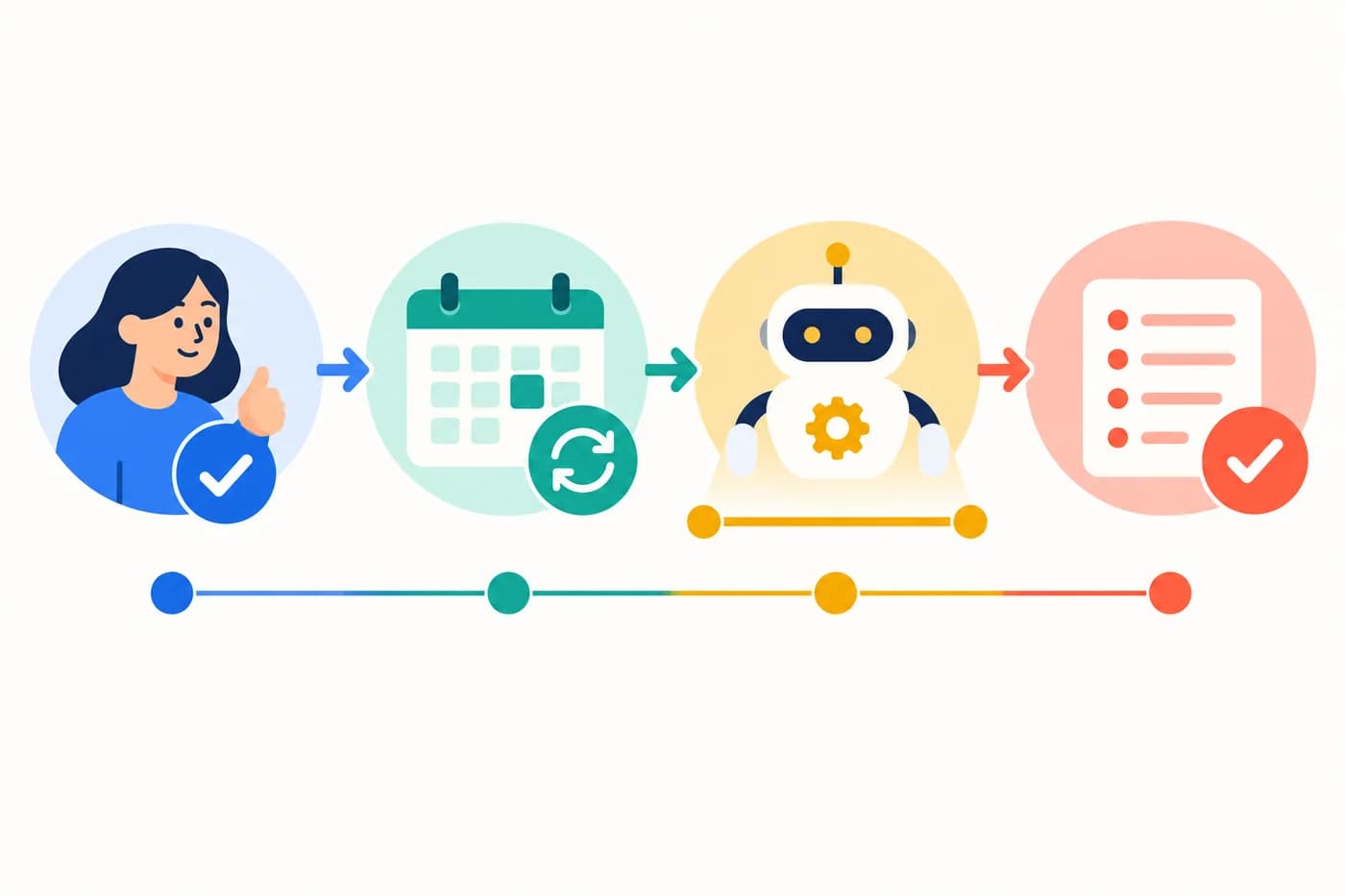 Agent authorization
A trigger can keep acting after its original decision-maker leaves. Record who approved unattended runs, why they exist, and when they must be reviewed.
Read the note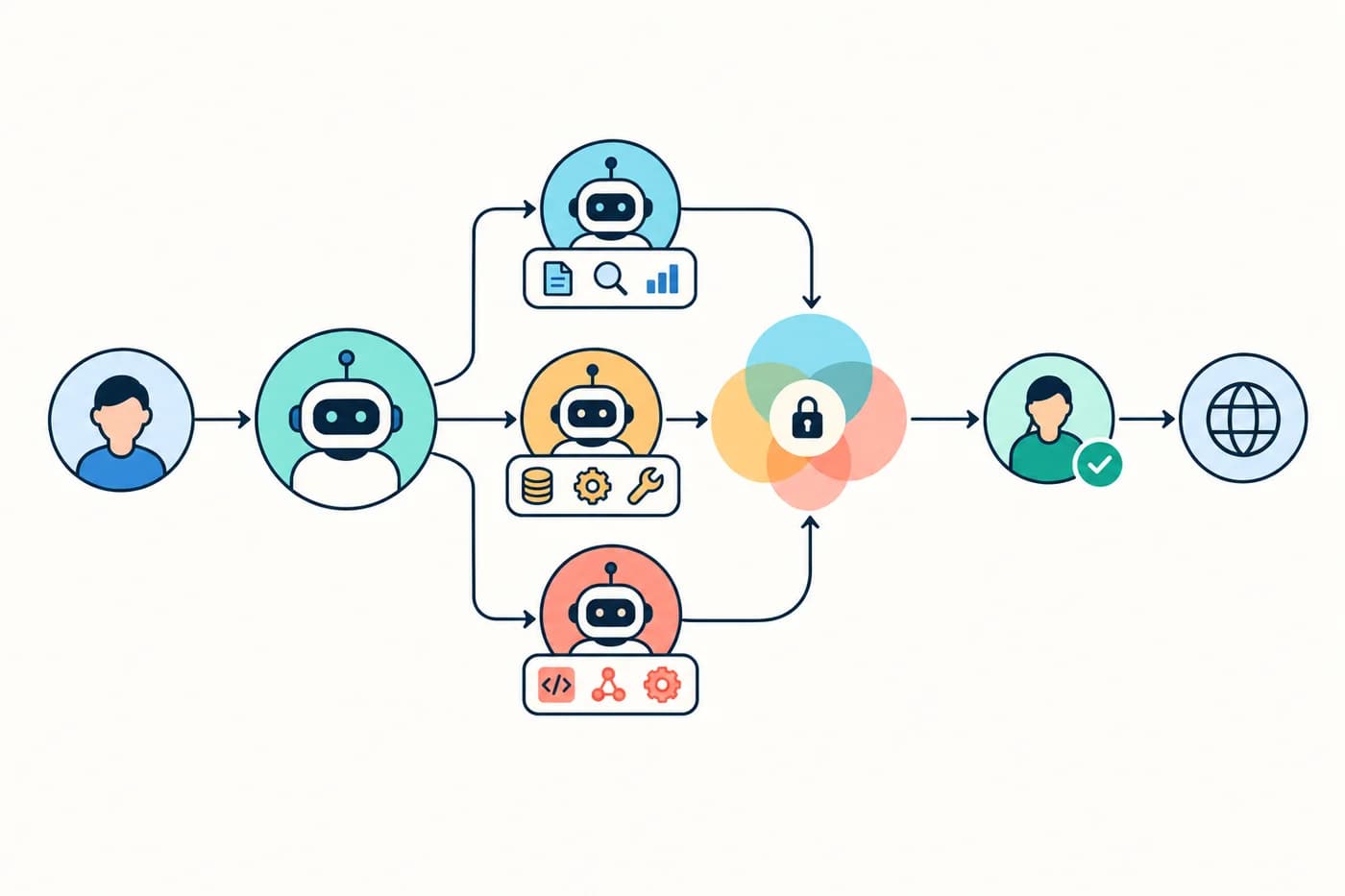 Multi-agent governance
Individual agent permissions do not describe what an orchestration may decide or change as a whole. Define the combined scope and trace each delegation.
Read the note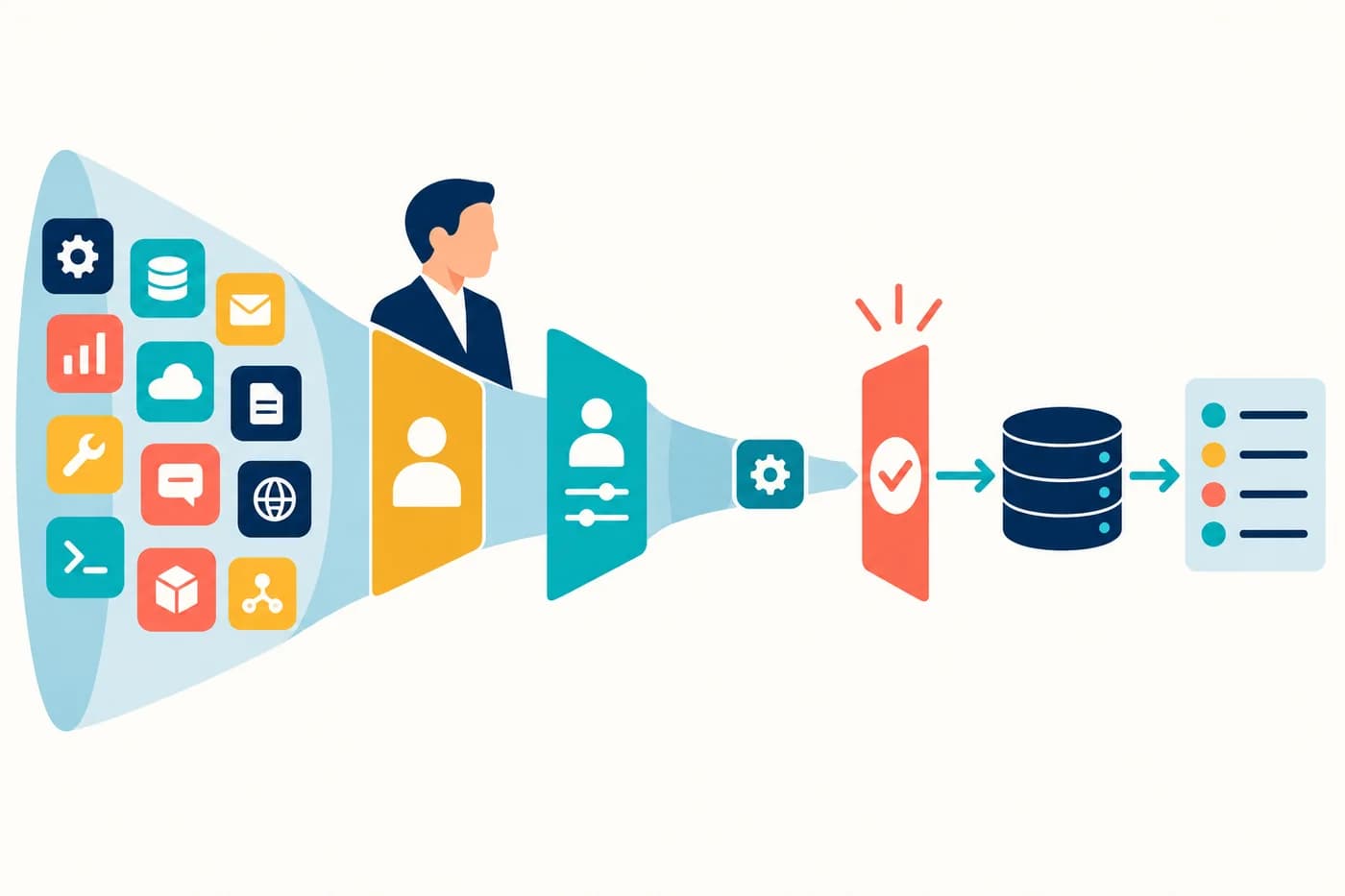 Agent governance
Map agent identity, delegated or application permissions, tool access, denied-action tests, and the process for removing access.
Read the note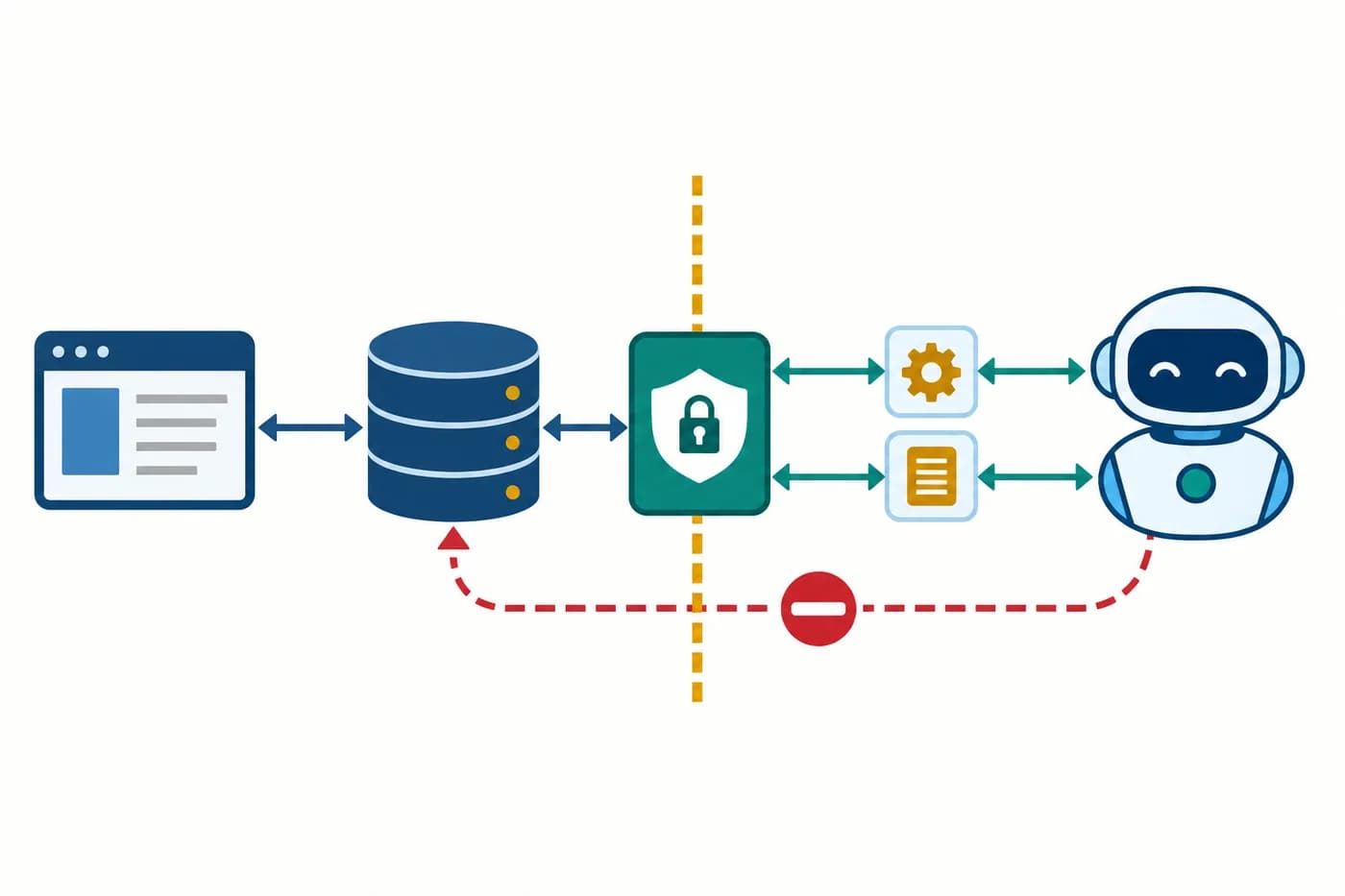 Architecture
How an API can enforce approved operations, preserve application rules, and handle failures when AI reaches a legacy system.
Read the note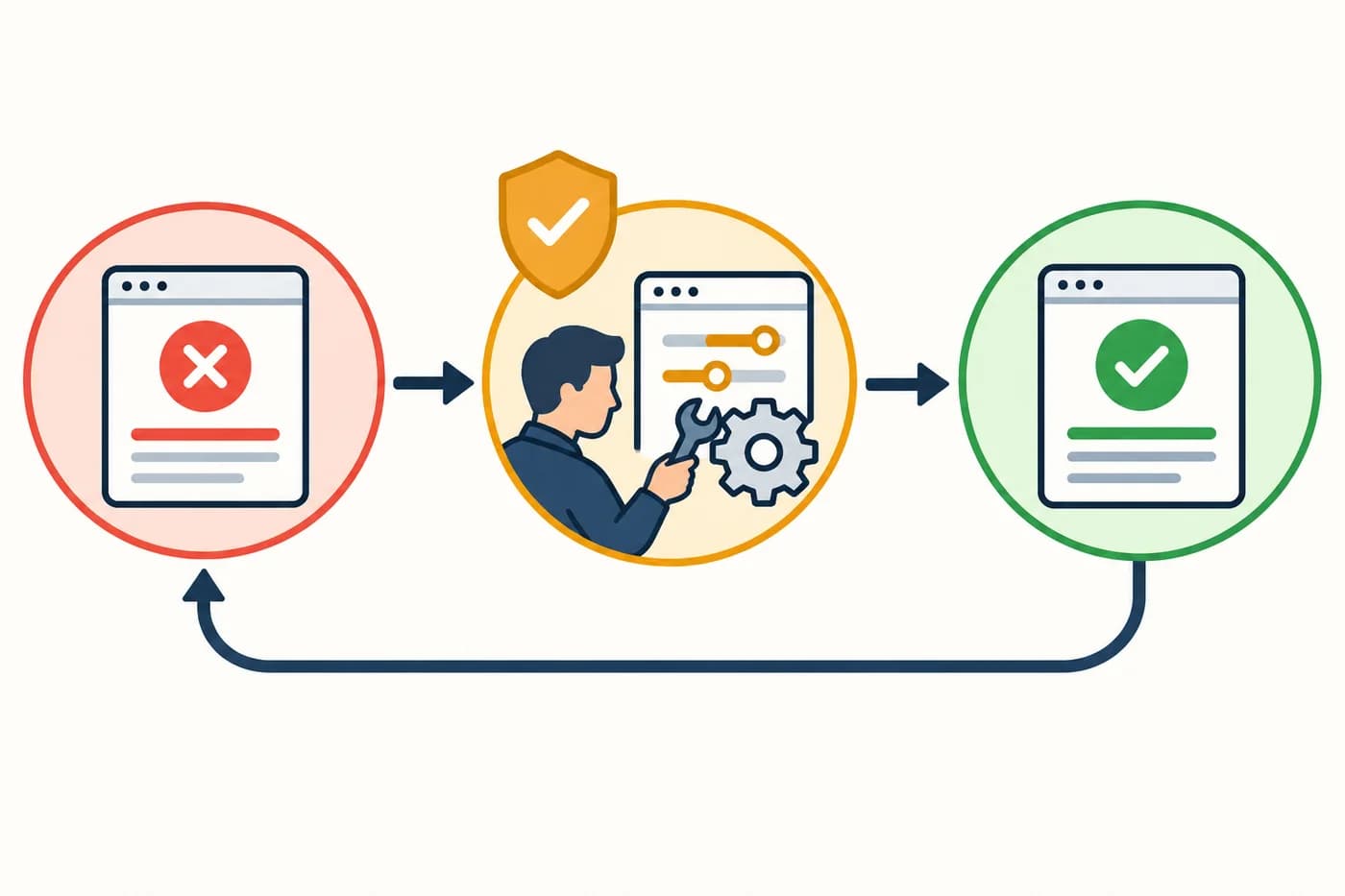 Operating models
Connect each AI policy requirement to the system setting, operating procedure, owner, and record that put it into effect.
Read the note